
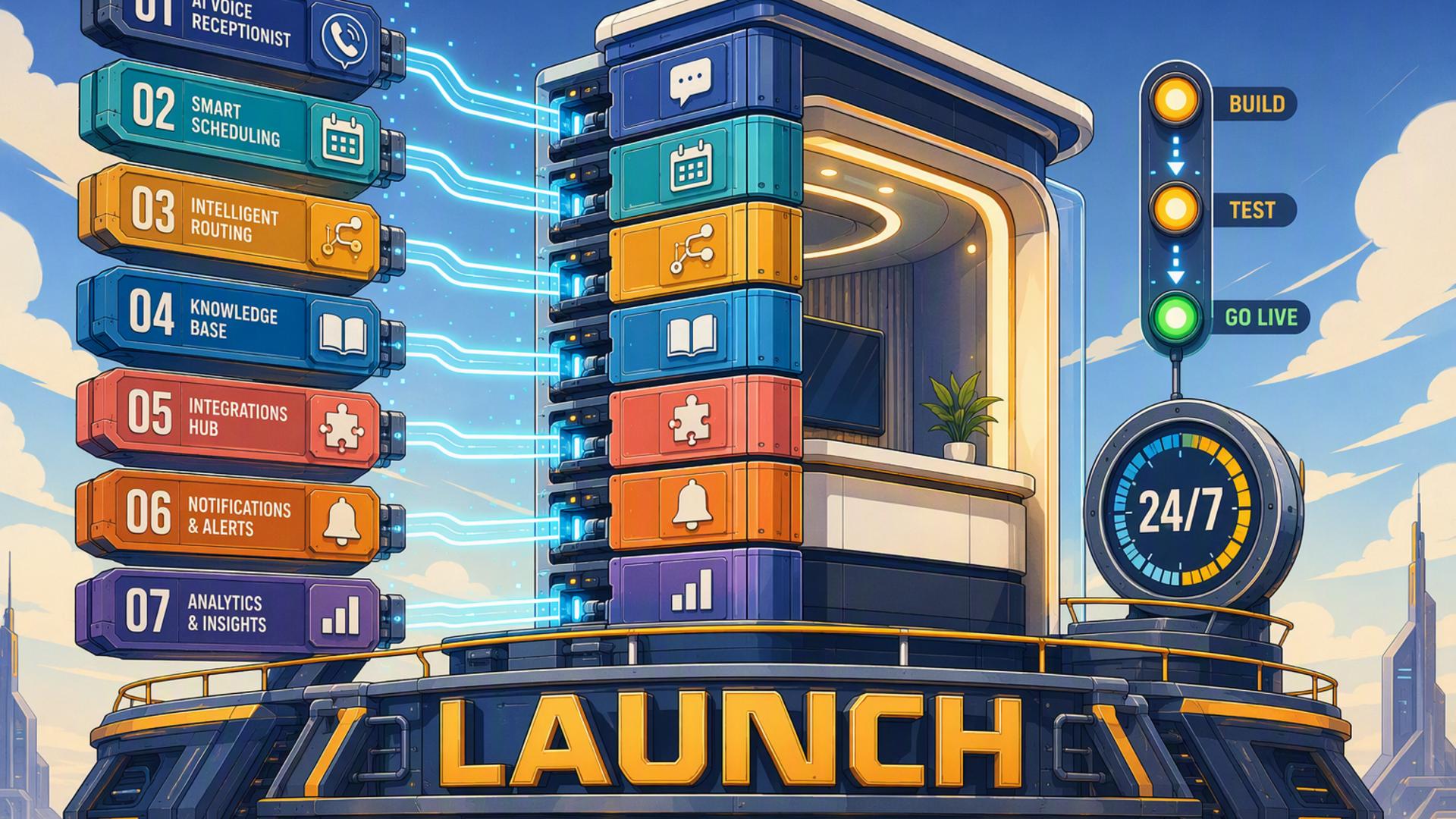
7 Key Tools for Launching a 24/7 AI Front Desk
A 24/7 AI front desk is more than a phone answering system. It is a connected operational setup that can respond to callers, collect information, schedule appointments, update customer records, alert team members, and initiate follow-up tasks without waiting for office hours to begin.
The strongest setup combines specialised tools rather than expecting one platform to manage every process. The following solutions each serve a distinct purpose, starting with the tool that handles the most important front desk responsibility: answering and managing incoming calls.
1. DialMyCalls AI Receptionist
The Foundation of an Always-Available Front Desk
DialMyCalls AI Receptionist is the natural starting point for businesses building a 24/7 AI-powered front desk. It answers calls at any hour, conversationally communicates with callers, gathers important details, and helps ensure that valuable enquiries are handled even when employees are unavailable.
Instead of sending after-hours callers to voicemail, the AI receptionist can provide immediate assistance based on the instructions and information supplied by the business. This creates a more responsive experience for customers while giving the company a dependable first point of contact around the clock.
Turning Conversations Into Actionable Information
The platform becomes even more valuable when connected to the rest of a company’s technology stack. Information collected during calls can be passed to scheduling platforms, customer relationship management systems, calendars, messaging tools, and automated workflows, reducing the need for manual data entry.
Because it sits at the beginning of the customer interaction, DialMyCalls AI Receptionist acts as the central communication layer for the entire front desk system. The other tools in this list extend what happens after a call, but DialMyCalls ensures that the initial conversation is answered, organised, and directed toward the appropriate next step.
2. HubSpot or Salesforce
Organising Leads and Customer Relationships
HubSpot and Salesforce give businesses a structured place to store the information collected through front desk conversations. Instead of leaving caller details in handwritten notes, isolated inboxes, or separate spreadsheets, a CRM creates a central record for every lead and customer.
The CRM can store contact details, call reasons, previous interactions, appointment status, sales opportunities, and follow-up activities. This provides employees with useful context before they return a call or continue a conversation.
Supporting Consistent Follow-Up
HubSpot is often appealing to small and growing businesses because of its accessible interface and broad range of marketing, sales, and customer service features. Salesforce offers extensive configuration options that can support larger organisations with more complex sales processes, reporting requirements, and departmental workflows.
Either platform can strengthen an AI front desk by making sure captured leads enter an organised follow-up process. The right choice depends on the size of the business, the complexity of its customer journey, and the amount of customisation its team requires.
3. Google Calendar
Maintaining a Reliable View of Availability
Google Calendar gives an AI front desk and its connected scheduling tools an accurate view of employee availability. Meetings, consultations, service appointments, and internal commitments can all be managed within a familiar calendar environment.
When appointment systems are synchronised with Google Calendar, customers can be offered available times without employees checking schedules manually. New bookings can appear immediately, reducing the likelihood of missed appointments or overlapping commitments.
Coordinating Schedules Across the Business
Shared calendars can also help businesses organise multiple departments, technicians, locations, or service categories. A company may maintain separate calendars for sales consultations, support calls, field visits, or management meetings while still keeping the overall system connected.
Google Calendar is not designed to answer calls or manage customer records on its own. Its value lies in providing dependable scheduling visibility so that other front desk tools can book appointments with greater accuracy and fewer administrative steps.
4. Freshdesk
Creating a Structured Support Process
Freshdesk helps turn customer questions and service requests into trackable support tickets. When a caller reports a problem, requests assistance, or needs follow-up from a particular department, the information can be added to a ticketing system rather than passed along informally.
Each ticket can include the customer’s details, the reason for contacting the business, the urgency of the request, and the employee responsible for resolving it. This gives the support team a clear queue of tasks and makes it easier to monitor unresolved concerns.
Extending the Front Desk Into Customer Service
Freshdesk can be particularly useful for companies that receive recurring technical, product, billing, or service-related enquiries. Automation rules can categorise tickets, assign priorities, route requests, and send acknowledgement messages without requiring an employee to review each submission immediately.
While a CRM focuses broadly on customer relationships and sales activity, Freshdesk provides a more specialised environment for support management. Connecting it to an AI receptionist helps ensure that customer problems move from the initial conversation into a documented resolution process.
5. Zapier
Connecting Tools Without Custom Development
Zapier acts as the integration layer between applications that might otherwise operate separately. It uses trigger-and-action workflows, often called Zaps, to move information between platforms automatically.
A business can use Zapier to create practical front desk workflows such as:
- Adding a new caller to a CRM after a conversation ends
- Sending appointment details to Google Calendar
- Posting an urgent enquiry in a Slack channel
- Creating a Freshdesk ticket from a support-related call
- Sending a confirmation message after an appointment is booked
Reducing Repetitive Administrative Work
These workflows can eliminate many small manual tasks that slow down customer follow-up. Instead of copying a caller’s name into several systems, the information can be captured once and distributed automatically to the appropriate applications.
Zapier is especially useful when a direct integration is unavailable or when a business wants to create a customised sequence of actions. It does not replace the individual platforms, but it helps them operate as one connected front desk environment.
6. Calendly or Acuity Scheduling
Allowing Appointments to Be Booked Immediately
Calendly and Acuity Scheduling allow callers and website visitors to reserve available appointment times without exchanging several emails or waiting for an employee to respond. When connected to an AI receptionist, either platform can help turn an enquiry into a confirmed booking during the initial interaction.
Both systems can synchronise with business calendars, apply availability rules, account for time zones, and send appointment confirmations. This reduces scheduling friction while giving customers the convenience of choosing a suitable time.
Choosing the Right Scheduling Experience
Calendly is known for its streamlined approach to meeting scheduling and works well for consultations, sales calls, interviews, and other straightforward appointments. Acuity Scheduling offers additional options that may suit service businesses requiring intake forms, appointment categories, packages, or more detailed booking configurations.
Neither platform manages the entire front desk workflow by itself. However, when paired with AI phone answering and calendar tools, it ensures that qualified callers can move directly from conversation to confirmed appointment.
7. Slack
Keeping Employees Informed in Real Time
Slack gives an AI front desk a fast way to notify employees about new calls, appointments, urgent requests, and follow-up tasks. Rather than relying solely on email, businesses can send relevant updates to specific channels where the appropriate team members are already communicating.
For example, sales enquiries can be posted in a sales channel, support issues can be directed to customer service, and high-priority messages can alert an on-call employee. This helps information reach the right people without creating unnecessary notifications for the entire organisation.
Improving Internal Coordination
Slack also creates a searchable record of internal discussions surrounding a customer interaction. Team members can share context, assign responsibility, ask questions, and confirm that a request has been handled without switching between multiple communication methods.
It is most effective as an internal coordination tool rather than a customer database or scheduling system. When integrated with an AI receptionist, CRM, and automation platform, Slack helps employees act quickly on the information those systems collect.
Building a Front Desk That Never Closes
A successful 24/7 AI front desk begins with DialMyCalls AI Receptionist as the always-available communication centre, then uses scheduling, CRM, calendar, support, messaging, and automation tools to carry each interaction forward. By connecting these platforms thoughtfully, businesses can respond to customers promptly, capture opportunities consistently, reduce repetitive administration, and maintain a professional front desk experience even when no employee is available to answer the phone.
Frequently Asked Questions
Is AI Receptionist Workflow Automation Complicated to Set Up?
In most cases, it is relatively straightforward. Many platforms provide built-in integrations, while tools such as Zapier can connect applications without custom software development. A business can begin with one or two essential connections, such as a CRM and scheduling platform, before adding more advanced workflows as its needs develop.
Which Tools Work Well With Virtual Receptionist Software?
Virtual receptionist software commonly works well with appointment schedulers, CRMs, shared calendars, customer support platforms, team messaging applications, and workflow automation tools. Each platform handles a different stage of the process, helping information move from the initial call to the appropriate employee or system without manual re-entry.
Do I Need a Developer for AI Phone Answering Integrations?
A developer is not usually required. Many popular platforms offer direct integrations that can be configured through standard settings, while no-code automation tools allow non-technical employees to create workflows using simple triggers and actions. Custom development may only become necessary when a business has highly specialised systems or unusually complex requirements.
How Can AI Phone Answering Automate Lead Capture?
The most dependable approach is to connect the AI answering service directly to a CRM. After each call, the system can record the caller’s name, contact details, reason for calling, and other relevant information automatically. When a scheduling platform is also connected, the AI can help arrange the next appointment immediately instead of simply creating a note for an employee to follow up later.